NOXSOV Logo
NOXSOV

NOXSOV Referral Partner Program

Introduce a client.
Share in the win.

Know a business looking for software? Bring their brief to NOXSOV and earn commission when your approved referral becomes a paying client.

Commission example

INR

Illustrative earnings on a won referral

₹2,000
Example approved rate10%
₹20,000

Adjust the payment to explore the example. Your rate depends on the terms approved for each deal.

Find a fit for your client

Refer an existing product, select a web service, or describe a custom project in your own words.

Propose your own terms

Suggest a client quote and a fixed or percentage commission. See the team’s approved figures alongside your proposal.

Follow every payment

Track each referral from review to close. See earned commission, outstanding balances and recorded payouts in one place.

Software & web services

Explore the services you can introduce to NOXSOV.

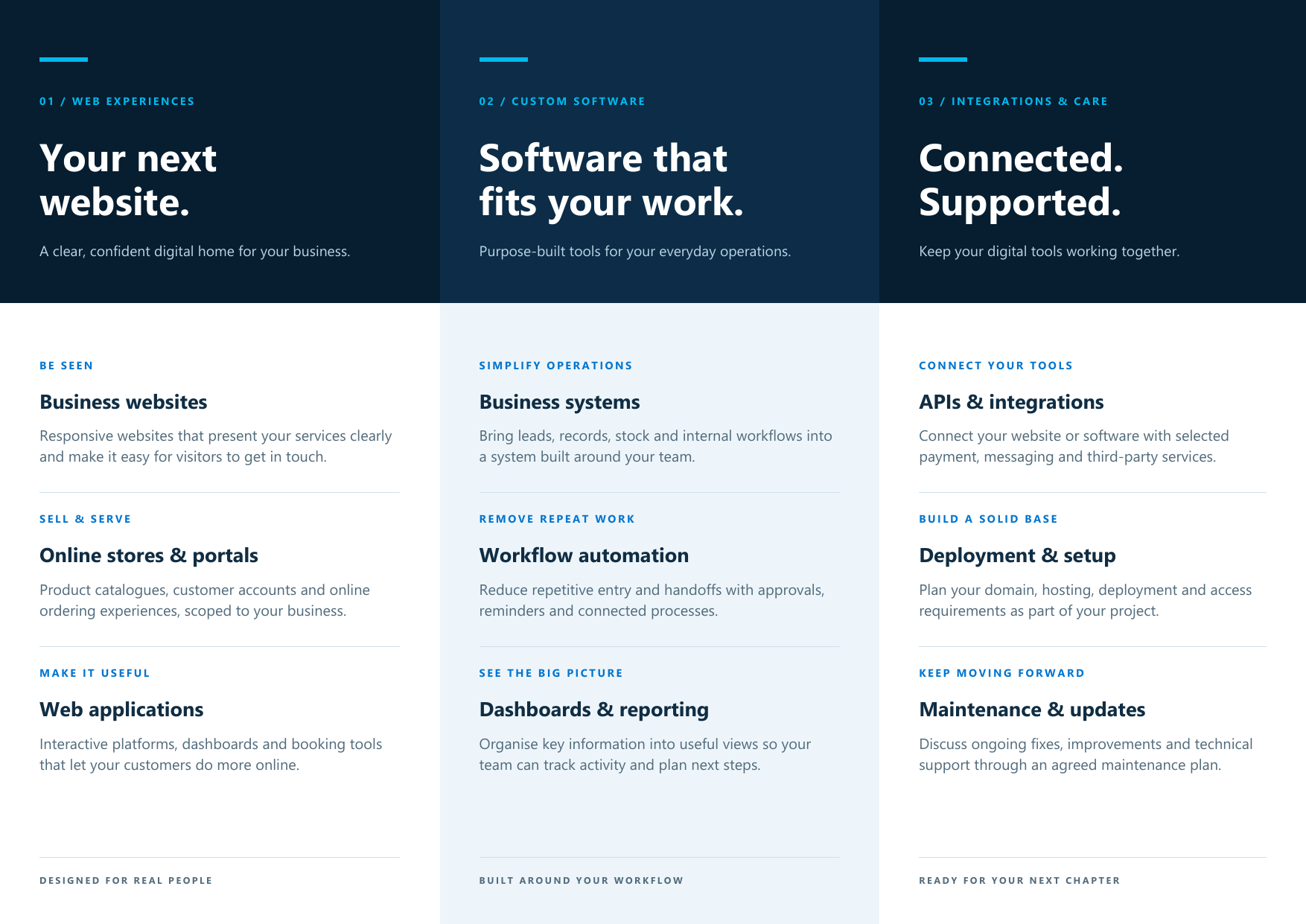
Web experiences

  • Business websitesPresent a business, explain its services and help visitors get in touch.
  • Online stores & portalsOffer searchable products, customer accounts and online ordering.
  • Web applicationsGive customers interactive platforms, dashboards and booking tools.
Custom software

  • Business systemsBring leads, stock, records and daily workflows into one system.
  • Workflow automationReduce repeat entry and handoffs with approvals and reminders.
  • Dashboards & reportingOrganise business data so teams can track activity and plan their next steps.

Integrations & care

  • APIs & integrationsConnect payment, messaging and third-party services to existing tools.
  • Deployment & setupPlan domains, hosting, deployment and access for a project.
  • Maintenance & updatesArrange ongoing fixes, improvements and support under an agreed plan.

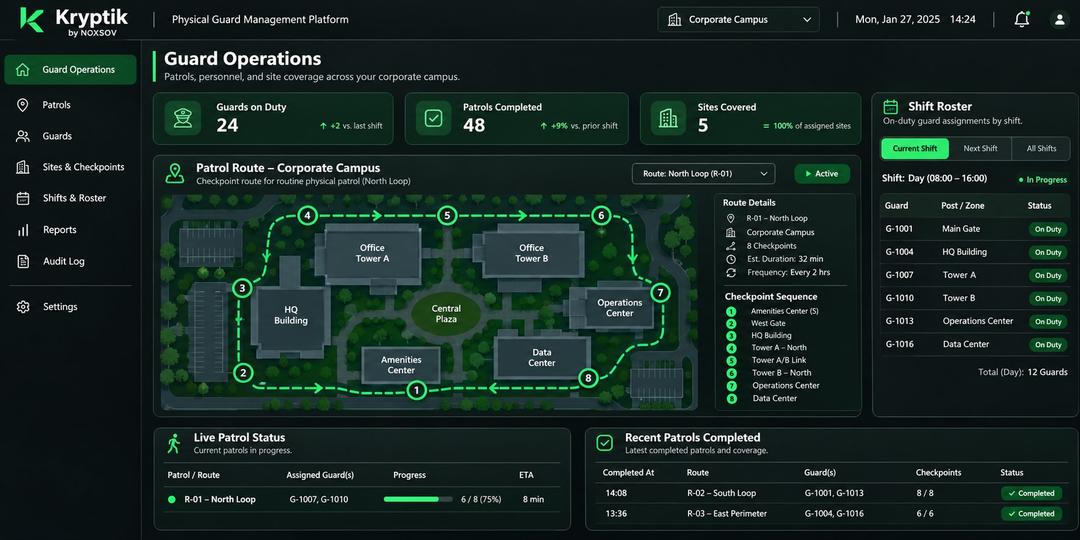
Software products

View the original two-page brochure

Your first referral, step by step

Step 1 of 4

Choose a service

A retailer needs online ordering. Choose Online stores & portals in the catalogue to open a referral with that service selected. For work outside the catalogue, select Custom Enterprise Project and describe its scope.

Partner conditions

Access and consent

Join with a verified Google account, complete your profile, and give consent for your contact details and profile photo. Returning partners can sign in with Google or use their partner email and password. Your portal shows your own referrals and payout history.

Customer details and duplicates

Include the customer’s name, phone and valid email. Choose a catalogue item or give a custom project a title and scope. A matching phone or email flags a possible duplicate for review. The administrator can mark a confirmed duplicate or cancel a submission.

Quotes and commission limits

Enter a positive INR quote. Propose a fixed amount from zero up to the quote, or a percentage from 0% to 100%. Use up to two decimal places. The preview uses your proposal. The administrator sets the final quote and commission.

Review and revisions

New submissions enter Pending Review. Open the referral to read the decision and review notes. You can edit the proposed quote, commission value and pricing notes in Draft, Pending Review or Changes Requested. Approval locks the proposal. The team can reject a submission or track an approved deal through contact, qualification, proposal and negotiation to a won, lost or cancelled outcome.

How earnings accrue

Commission accrues on a won deal with approved terms when an administrator verifies a qualifying customer payment. A percentage applies to verified receipts. A fixed commission accrues in proportion to the approved quote collected, up to the approved fixed amount. Receiving half the approved quote earns half the approved fixed commission.

Payouts and remaining balances

Only an administrator records a payout against eligible unpaid earnings. Held balances are excluded. A payout may cover part or all of your eligible balance. Partner-wide payouts settle the oldest eligible referrals first. Check amounts, dates and references in Commissions & Payouts. Update payment details in Profile & Bank.

Ready to bring your first referral?